Share



Published on 23 October, 2026
| Last Updated on 04 November, 2026
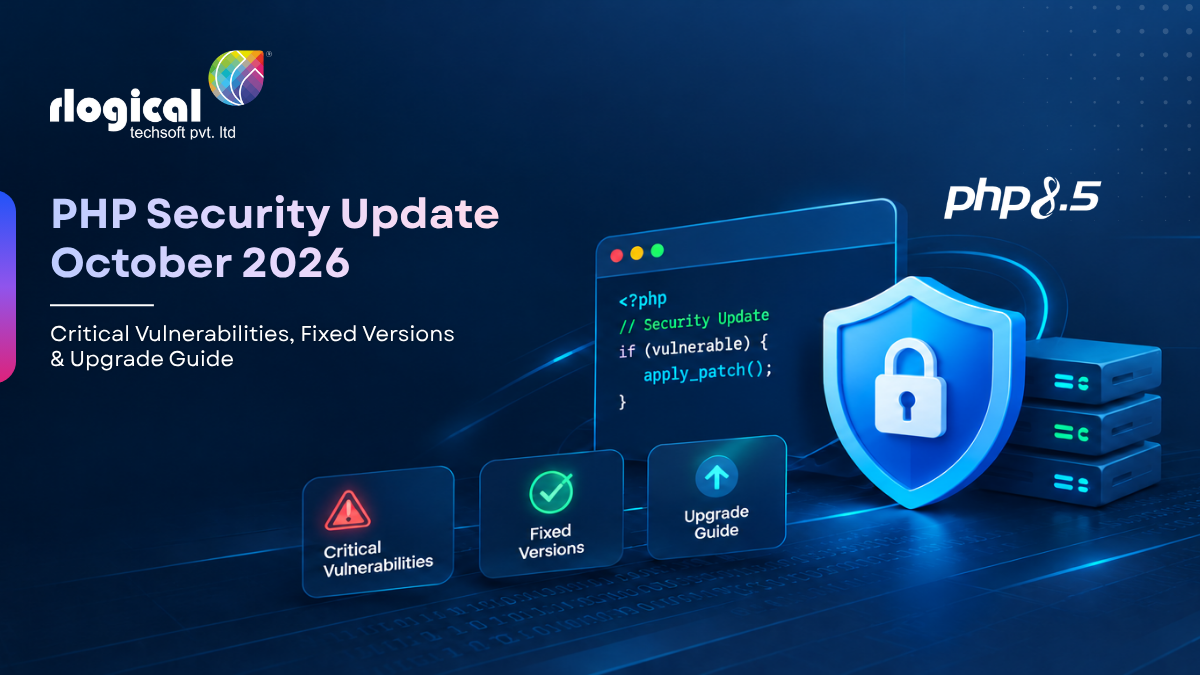
On October 21, 2026, the official PHP development team released emergency security updates addressing two critical vulnerabilities (CVE-2026-109618 and CVE-2026-109619). Fixed releases (PHP 8.5.12, 8.4.27, 8.3.36, and 8.2.35) are now available via the official PHP download announcements. All PHP installations serving web traffic are affected, and server administrators should deploy the patched runtime immediately. Because active exploitation in the wild has been confirmed by cyber security authorities, administrators must also conduct an incident assessment to verify whether an unpatched system was previously compromised.
The October 21, 2026 security release addresses two flaws in core Zend Engine routines. As documented in the official PHP release change logs, fixed versions are available across all active and security-supported PHP branches.
| PHP Branch | Vulnerable Versions | Fixed Release | Branch Support Status | Recommended Action | Direct Source |
|---|---|---|---|---|---|
| PHP 8.5 | 8.5.0 – 8.5.11 | 8.5.12 | Active Support | Upgrade immediately | PHP 8.5.12 Release Notes |
| PHP 8.4 | 8.4.0 – 8.4.26 | 8.4.27 | Active Support | Upgrade immediately | PHP 8.4.27 Release Notes |
| PHP 8.3 | 8.3.0 – 8.3.35 | 8.3.36 | Active Support | Upgrade immediately | PHP 8.3.36 Release Notes |
| PHP 8.2 | 8.2.0 – 8.2.34 | 8.2.35 | Security Support (EOL Dec 31, 2026) | Patch now; plan 8.3+ upgrade | PHP 8.2.35 Release Notes |
| PHP 8.1 & older | All versions | No upstream release | End of Life (EOL) | Apply source backports or vendor fix | PHP Supported Versions |
Critical Note on PHP 8.2 and Legacy Branches: According to the PHP Supported Versions policy, PHP 8.2 reaches End of Life on December 31, 2026. While version 8.2.35 resolves these CVEs, migration to PHP 8.3 or 8.4 should be completed before year-end.
For PHP 7.4, 8.0, and 8.1, no official upstream releases were issued because these branches are EOL. However, minimal source-code backports are available for manual compilation, and enterprise Linux vendors (including Red Hat, Ubuntu ESM, CloudLinux, and Plesk) are providing backported packages for their supported distributions.
Why PHP Security Updates Are Critical for Your Web Application
PHP security updates patch vulnerabilities hidden deep within the runtime environment issues that exist completely independently of your application’s custom code. If left unpatched, a server can be left wide open to remote code execution (RCE), unauthorized access, and complete system compromise, depending on your deployment setup.
Ignoring these updates exposes your systems to severe operational and security risks:
Security Breaches: Attackers can exploit unpatched PHP flaws to run malicious code or gain root access to your infrastructure.
Data Exposure: A compromised app leaks sensitive assets, including customer databases, business records, credentials, and API keys.
Business Disruption: Unexpected downtime, emergency recovery costs, and broken client trust can severely hurt your bottom line.
Compatibility Bottlenecks: Sticking with outdated PHP versions makes it difficult to adopt modern frameworks, libraries, and modules.
Growing Technical Debt: Falling behind on your PHP version and dependencies drives up long-term maintenance overhead.
At the end of the day, security patches are much more than routine housekeeping. They form a core pillar of risk management, data protection, and business continuity. Proactive patching and security monitoring help keep your apps reliable and secure.
Is Updating PHP Enough?
Not always. While updating the PHP runtime closes known core vulnerabilities, it doesn’t automatically fix compatibility bugs or security gaps inside your actual application code.
Legacy applications frequently rely on aging frameworks, unmaintained third-party libraries, plugins, deprecated functions, or outdated PHP extensions that break on newer PHP releases. For example, upgrading a production Laravel application isn’t as simple as changing a number: it typically requires updating Composer dependencies, rewriting deprecated API usage, adjusting server settings, and running strict regression tests to ensure total stability.
A truly safe upgrade strategy covers the entire application stack from the PHP runtime and server configurations down to frameworks, libraries, and your custom codebase followed by thorough compatibility checks and security validation.
The vulnerabilities reside in core Zend Engine request handling and error recovery routines.
The official advisory confirms that all web-serving configurations are affected. However, process isolation, request cleanup triggers, and exploitability characteristics differ significantly across execution SAPIs:
Verifying your installation requires checking the active web runtime, as CLI binaries and web server modules frequently differ.
Do not rely solely on the X-Powered-By HTTP header. Many web servers, reverse proxies, and production security policies explicitly strip or obscure this header (expose_php = Off).
To verify the active PHP version safely in production:
Operational Notice: Package names, repository references, and service management calls vary across operating systems, software repositories, and custom builds. Before running package update commands, confirm that your configured repository provides a patched build for your PHP branch. After upgrading, verify the version used by the web-serving runtime not only the CLI binary.
sudo apt-get update
sudo apt-get install –only-upgrade php8.4-cli php8.4-fpm libapache2-mod-php8.4
sudo dnf check-update “php*”
sudo dnf update “php*”
A successful package update alone does not prove that every old worker process has exited. You must restart or reload your process manager, verify the resulting worker/runtime version, and run application smoke tests:
# For PHP-FPM setups
sudo systemctl reload php8.4-fpm
# For Apache setups
sudo systemctl reload apache2 # Debian/Ubuntu
sudo systemctl reload httpd # RHEL/AlmaLinux
Applying the PHP patch prevents future exploitation attempts; it does not clean or remediate a server that was compromised prior to patching. Systems teams should perform the following incident assessment steps immediately:
Don’t leave your production servers exposed to critical RCE risks.
Applying emergency security patches across multi-server environments, custom Docker containers, and legacy PHP runtimes requires precision and zero downtime. If your internal engineering team is stretched thin or managing end-of-life branches like PHP 8.2, you don’t have to handle it alone.
We’ve already solved this for our clients.
Rlogical’s dedicated PHP engineering and DevOps teams specialize in rapid security hardening, zero-downtime runtime upgrades, and comprehensive post-patch incident assessments. Whether you need a quick audit of your Apache mod_php or PHP-FPM pools, or a long-term migration plan off unsupported PHP branches, our experts ensure your applications stay secure, compliant, and lightning-fast.
Let our specialists handle the upgrade so your team can focus on building.
At Rlogical Techsoft, our dedicated PHP engineering and DevOps teams guide businesses in fixing security vulnerabilities, upgrading legacy software, and strengthening server infrastructure through a structured, end to end approach.
We audit PHP runtimes, frameworks, third party dependencies, active extensions, server configurations, and deployment setups to pinpoint critical security risks and outline specific upgrade requirements.
Our developers analyze code compatibility with modern PHP versions, flag deprecated functions and dependency conflicts, and build a clear upgrade roadmap designed to safeguard overall application stability and business continuity.
We carry out PHP runtime upgrades, refresh frameworks and libraries, resolve code level issues, and optimize environment settings to eliminate vulnerabilities while ensuring your web application functions smoothly.
Our DevOps engineers take care of server hardening, server environment setups, backup routines, continuous integration and delivery (CI/CD) pipelines, and controlled rollouts across staging and production environments.
We rigorously test essential business workflows, API integrations, and system functions while tracking live error logs to ensure seamless performance immediately following deployment.
Beyond immediate upgrades, we offer long term PHP maintenance, regular dependency patches, framework updates, infrastructure monitoring, speed optimization, and ongoing application modernization.
Our primary mission is to help organizations eliminate security risks, prevent operational downtime, and run secure, high performing, scalable applications through specialized PHP development and DevOps expertise.
Get in touch with Rlogical today for a rapid security review and seamless patch deployment.
In Apache mod_php, request parsing and cleanup take place inside the main web server process. An attacker can trigger out-of-memory cleanup failure during request startup, enabling code execution before application routing code executes.
No. Upstream patches are provided only for supported branches (8.5, 8.4, 8.3, and 8.2). Organizations on legacy releases must utilize vendor-backed packages (e.g., Ubuntu ESM, Red Hat, CloudLinux) or manually apply available source code backports.
Rahul Panchal is a visionary technology entrepreneur and the Founder & Managing Director of Rlogical Techsoft Pvt. Ltd. Passionate about the power of Artificial Intelligence, he focuses on helping businesses transform through AI-driven solutions, intelligent automation, and data-centric digital ecosystems. Alongside AI, his expertise spans scalable web and mobile platforms, Cloud, IoT, and modern enterprise technologies enabling organizations to innovate faster, optimize operations, and build future-ready digital products with real business impact.
Global insights on technology trends, best practices, and digital transformation strategies.
A proven track record of high-impact deliveries across industries and technologies
Share with us. We'll assess its feasibility, suggest the right tech stack, and share a clear cost & timeline.
Years of Experience
Projects
Countries
Engineers
Verified Client Reviews
Industry Served