Share



Published on 27 September, 2019
| Last Updated on 17 June, 2026
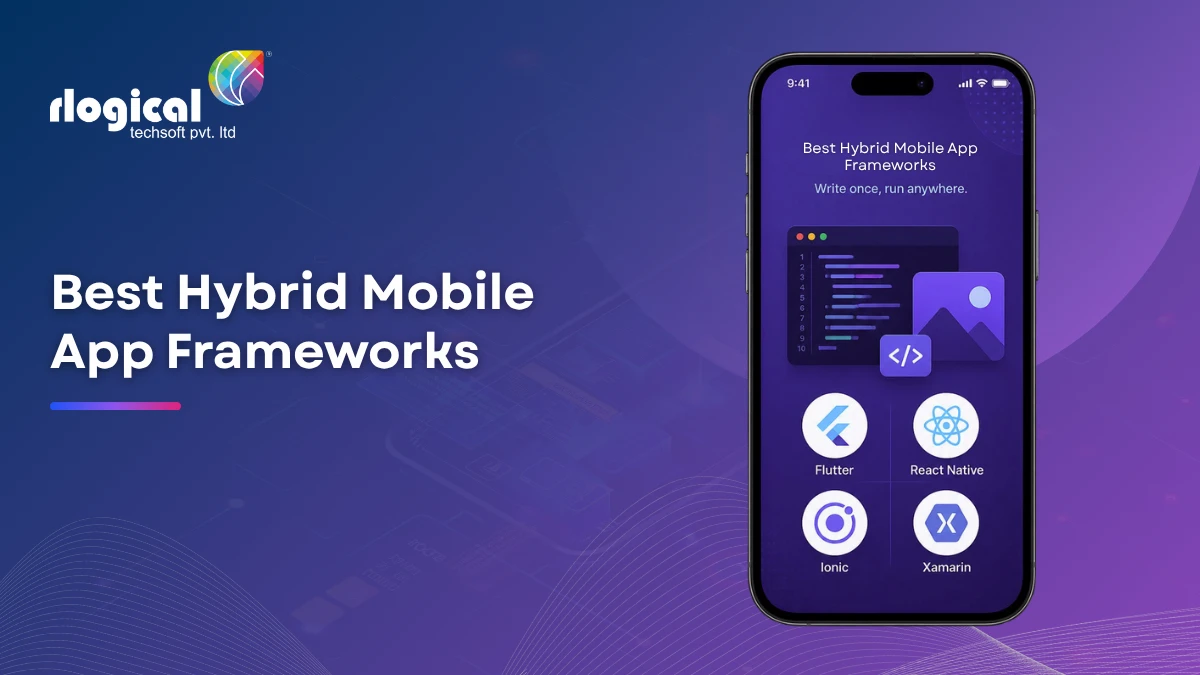
Hybrid mobile app development has come a long way since 2019. The frameworks that developers relied on back then have matured significantly, while a few newer options have joined the mix and proven themselves in production.
This guide covers 7 hybrid mobile app frameworks worth considering in 2026, including updates on how each one has evolved and two additions that were missing from earlier lists.
A hybrid mobile app is built using web technologies such as HTML, CSS, and JavaScript, then packaged to run as a native application on iOS, Android, and sometimes desktop or web platforms.
The key advantage is a shared codebase. You write once, and your app runs across multiple platforms without managing separate iOS and Android codebases. That directly reduces both development time and ongoing maintenance cost.
Flutter is an open-source UI toolkit developed by Google. It was first released in May 2017 and has grown into one of the most widely adopted frameworks for building cross-platform mobile apps.
What makes Flutter stand out is that it does not rely on native UI components. Instead, it uses its own rendering engine built on top of Skia (and now Impeller), which gives developers pixel-level control over how an app looks and feels across every device.
Flutter uses the Dart programming language. While Dart is not as widely known as JavaScript, it compiles to native ARM code, which contributes to Flutter’s smooth performance even in animation-heavy applications.
By 2026, Flutter is the leading choice for teams building new cross-platform apps, particularly for fintech, logistics, and enterprise-grade mobile products. Companies including Google Ads, BMW, and Alibaba have used Flutter in production.
React Native is an open-source framework developed by Meta (formerly Facebook). It lets developers build mobile apps using JavaScript and React, while rendering actual native UI components on iOS and Android.
Unlike a WebView-based approach, React Native communicates with the platform’s native APIs through a bridge. This means buttons, input fields, and other elements look and behave like native components rather than web elements styled to look native.
In 2024, Meta shipped a major architectural update with the New Architecture, which replaced the old JavaScript bridge with JSI (JavaScript Interface) and the Fabric rendering system. This substantially improved performance and made React Native a stronger choice for complex, interactive applications.
React Native remains the most popular choice for teams with an existing React or JavaScript background. Instagram, Shopify, and Coinbase are among the companies that use it in production.
Ionic is an open-source framework that lets web developers build mobile and progressive web apps using HTML, CSS, and JavaScript or TypeScript. It runs inside a native shell using a component called Capacitor, which replaced the older Cordova bridge starting around 2019.
Ionic is still the fastest option for web teams that want to ship a mobile app without switching to a new language or framework. If you already have a web app built in Angular, React, or Vue, you can reuse much of that codebase to build a mobile version.
It works particularly well for internal business tools, dashboards, and content-driven apps where native rendering performance is less critical. Companies like Burger King and Nationwide Insurance have used Ionic with Capacitor in production.
.NET Multi-platform App UI, known as .NET MAUI, is Microsoft’s successor to Xamarin. If you used Xamarin before 2022, .NET MAUI is the updated path forward. Microsoft officially ended support for Xamarin in May 2024.
.NET MAUI lets C# and .NET developers build apps for Android, iOS, macOS, and Windows from a single codebase. It integrates tightly with the Microsoft development ecosystem, including Visual Studio, Azure, and Blazor Hybrid for embedding web components inside native apps.
For teams already working with .NET in their backend or enterprise systems, .NET MAUI removes the friction of introducing a new language or toolchain. It is a strong fit for internal enterprise apps, line-of-business tools, and organizations that are standardized on Microsoft technology.
Framework7 is a free and open-source framework for building mobile, desktop, and web apps using HTML, CSS, and JavaScript. It is designed to give apps an iOS or Material Design look and feel using web technologies.
Framework7 is a good option for prototyping and for small teams building apps with straightforward UI requirements. It can work alongside React, Vue, or Svelte, and it pairs with tools like Electron or NW.js for desktop builds.
In 2026, Framework7 has a more limited community compared to Flutter or React Native, and it is not the first choice for enterprise-scale projects. However, it remains a viable option for web developers who want quick results without a steep learning curve.
Capacitor is developed by the Ionic team and serves as both the native bridge for Ionic apps and a standalone tool for wrapping any web application into a native mobile app. Since its release it has matured significantly and is now used independently of the Ionic UI library.
The appeal of Capacitor is practical: if you already have a web application, Capacitor lets you package it for iOS and Android without a full rewrite. You add native plugins for device features like the camera, GPS, file system, and push notifications, while your core app logic stays in standard web code.
In 2026, Capacitor is the most cost-effective path for teams that maintain both a web product and a mobile app. Companies including Burger King have shipped Capacitor-based apps with results that hold up in production.
Kotlin Multiplatform, developed by JetBrains, takes a different approach from the other frameworks on this list. Rather than sharing UI code across platforms, it focuses on sharing business logic (networking, data storage, analytics, etc.) while keeping each platform’s UI fully native.
This means your iOS app still uses SwiftUI and your Android app still uses Jetpack Compose, but the core logic behind both is written once in Kotlin and shared between them. For teams that refuse to compromise on native UI quality, this is the most principled approach available.
Netflix, Cash App, and Duolingo use Kotlin Multiplatform to share core logic across their mobile codebases. Google has also integrated KMP into its own Android and iOS libraries, which signals strong long-term support.
Here is a quick overview of each framework to help you identify which fits your project:
| Framework | Best For | Language | Since | 2026 Status |
| Flutter | Enterprise, fintech, UI-heavy apps | Dart | 2017 | Most popular |
| React Native | JS teams, social, SaaS apps | JavaScript | 2015 | Strong & updated |
| Ionic | Web-to-mobile, dashboards | JS/TS | 2013 | Stable |
| .NET MAUI | Enterprise, Microsoft teams | C# | 2022 | Xamarin successor |
| Framework7 | Prototyping, simple apps | JavaScript | 2014 | Niche use |
| Capacitor | Web app to mobile packaging | JS/TS | 2019 | Growing fast |
| Kotlin Multiplatform | Logic sharing, native UI | Kotlin | 2023 (stable) | Rising strongly |
The right framework depends on your team, your existing technology stack, and your product requirements. There is no single correct answer across all projects.
The hybrid mobile app framework landscape has changed considerably between 2019 and 2026. Flutter and React Native now handle the majority of serious cross-platform projects. Ionic and Capacitor continue to serve web-first teams well. .NET MAUI has taken over from Xamarin for enterprise .NET shops, and Kotlin Multiplatform has earned its place as a credible option for teams who need native UI quality with shared logic.
Framework7 remains available for simpler use cases and prototyping, though its community footprint is smaller than the other options listed here.
If you are evaluating a hybrid app framework for a new project, start with your team’s existing skills and your app’s performance requirements. Most projects in 2026 will land on Flutter or React Native, but the right answer depends on your specific context.
Need help picking the right framework? Our team at https://www.rlogical.com/ has worked with all of the frameworks covered in this guide. Feel free to reach out and we can help you evaluate the right fit for your project.
Rahul Panchal is a visionary technology entrepreneur and the Founder & Managing Director of Rlogical Techsoft Pvt. Ltd. Passionate about the power of Artificial Intelligence, he focuses on helping businesses transform through AI-driven solutions, intelligent automation, and data-centric digital ecosystems. Alongside AI, his expertise spans scalable web and mobile platforms, Cloud, IoT, and modern enterprise technologies enabling organizations to innovate faster, optimize operations, and build future-ready digital products with real business impact.
Global insights on technology trends, best practices, and digital transformation strategies.

A proven track record of high-impact deliveries across industries and technologies
Share with us. We'll assess its feasibility, suggest the right tech stack, and share a clear cost & timeline.
Years of Experience
Projects
Countries
Engineers
Verified Client Reviews
Industry Served