


Share



Published on 01 November, 2018
| Last Updated on 02 June, 2026
As an iOS developer, one question I hear from business owners and product managers almost every week is: should we go native or take a cross-platform shortcut?”
It is a fair question. The app development world has more options than ever. React Native, Flutter, and hybrid frameworks have matured. But when a client needs performance, security, and a polished user experience, the answer still points to iOS native app development.
Here is an honest look at what makes iOS native development the right platform choice, what it actually involves, and what you should factor in before starting your project.
Businesses exploring native iOS solutions often start by reviewing real-world development approaches and service capabilities. For reference, https://www.rlogical.com/ios-app-development/ provides an overview of the iOS app development process, technologies, and implementation strategies used for modern Apple ecosystem applications.
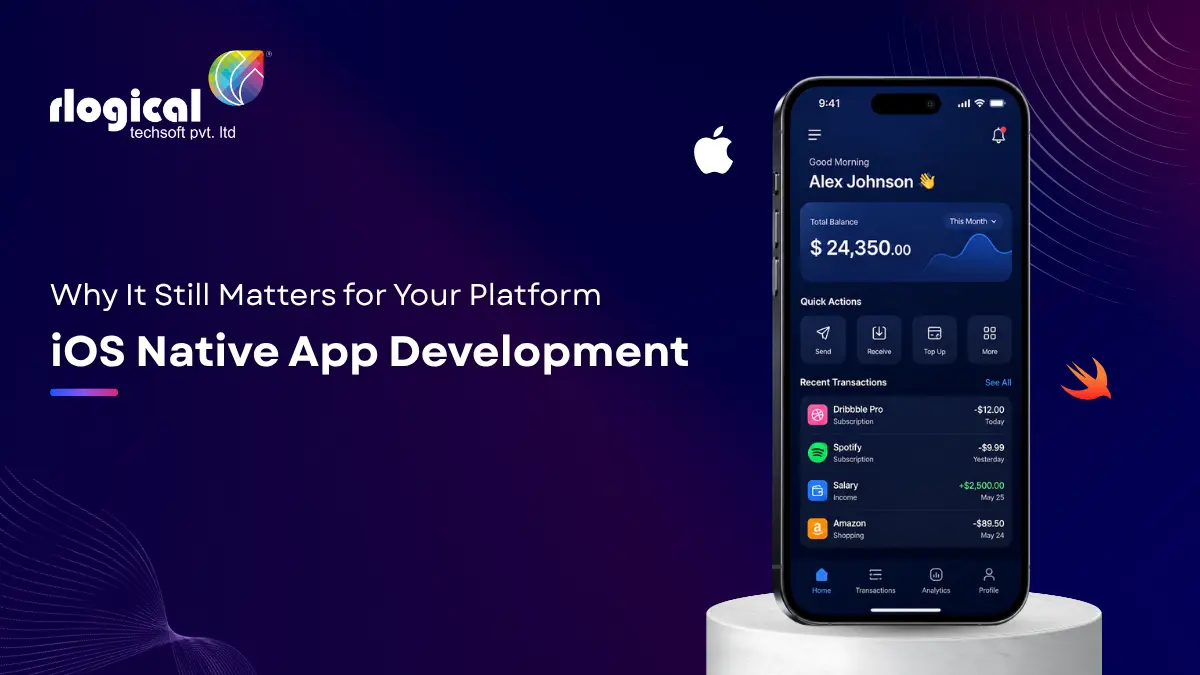
An iOS native app is built specifically for Apple devices using Apple’s official languages and tools. You write the code in Swift or Objective-C, build and debug inside Xcode, and use Apple’s own frameworks like UIKit and SwiftUI to create the interface.
The result is an app that runs directly on the device without any translation layer or middleware sitting in between. That directness is what gives native apps their performance edge over cross-platform alternatives.
The App Store ecosystem facilitated over $1.3 trillion in billings and sales in 2024, according to Apple’s official report. There are more than one billion active iOS users globally, and over 88% of iPhones were running iOS 18 within months of its release.
Those numbers tell you something important: iOS users are engaged, they spend money, and they update fast. Building a native app puts you in the best position to serve that audience well.
Native apps talk directly to the device hardware. They use the GPU for rendering, access the CPU efficiently, and handle memory through Apple’s own runtime. You notice the difference in animations, scrolling, and load times.
For fintech apps, healthcare tools, and anything where a half-second delay erodes trust, native performance is not a luxury. It is the baseline users expect.
Apple releases new features at WWDC every year and makes them available exclusively to native developers first. Face ID, Vision Pro spatial interfaces, Live Activities, App Clips, HealthKit, ARKit, Core ML. If you want these capabilities on day one, you need native development.
Cross-platform frameworks typically take months to support new Apple APIs. By then, your competitors who went native are already ahead.
Apple now requires all new App Store submissions to use Xcode 16 and the iOS 18 SDK. SwiftUI, which Apple introduced a few years ago, has become the preferred way to build iOS interfaces. It supports live previews inside Xcode, requires less boilerplate code, and makes building widgets and interactive UI components much faster.
Teams that adopted SwiftUI early are writing cleaner code and shipping faster. UIKit is still supported, but new projects should default to SwiftUI unless there is a specific reason not to.
Apple’s App Store review process, code signing requirements, and sandboxed runtime are not just policies. They are built into how the platform works.
iOS native apps run in isolated environments with strict permission controls. Users see exactly what data an app is requesting. That built-in trust matters for enterprise tools, finance apps, and anything that handles sensitive user data.
For businesses in regulated industries, this level of platform-enforced security can significantly reduce compliance overhead.
Unlike Android development, where you are testing across hundreds of device configurations and screen sizes, iOS runs on a controlled set of Apple hardware. Fewer test configurations mean less QA time and more predictable release cycles.
That consistency also makes it easier to optimize. When I tune animations or memory usage for a native iOS app, I know the hardware I am targeting. The guesswork goes away.
If you are evaluating iOS native development for the first time, here is a quick breakdown of what the toolchain looks like today.
Swift is the dominant language for iOS app development. Swift 6, released in 2024, brought enhanced concurrency support and improved memory management. It is faster to write than Objective-C, easier to read, and the community has standardized around it for new projects.
Objective-C is still in use, primarily in legacy codebases. If you are maintaining an older app, you will encounter it. For new projects, Swift is the clear choice.
Xcode is Apple’s official IDE, and it is the only officially supported environment for iOS app development. It includes a simulator, profiling tools, Interface Builder for visual layout, and tight integration with SwiftUI previews.
As of now, Apple requires all new App Store submissions to be built with Xcode 16.
SwiftUI is the modern, declarative framework for building iOS interfaces. It is well-integrated with Xcode’s live preview feature and requires less code for common UI patterns.
UIKit remains relevant for complex custom components and older codebases. Many production apps today use both, with SwiftUI handling newer screens and UIKit handling legacy views that have not been migrated yet.
Native is not always the right choice for every project. Here is where it makes clear sense.
If you need to cover both iOS and Android quickly with a smaller team, frameworks like Flutter or React Native can be sensible for MVPs or content-driven apps. But for complex, high-performance products, native remains the better investment.
Costs vary based on complexity, team location, and feature scope. A straightforward iOS app with standard features typically takes three to six months to build. Enterprise-grade tools with custom integrations take longer.
The key cost drivers are:
A well-scoped project brief, delivered to an experienced iOS development team, will give you a reliable estimate before a single line of code is written.
The iOS platform moves fast. These are the areas worth paying attention to right now.
Apple Vision Pro opened a new frontier for native developers. visionOS apps use SwiftUI as the primary interface layer, which means teams already building native iOS apps have a shorter path to supporting the Vision Pro.
Apple’s investment in on-device AI is significant. Core ML allows native apps to run machine learning models locally, without sending user data to a server. This is a meaningful advantage for privacy-sensitive applications.
App Clips let users interact with a lightweight version of your app without a full download. They work from NFC tags, QR codes, and web links. For retail, hospitality, and service businesses, App Clips are a practical way to reduce friction at the point of engagement.
Swift’s async/await model, introduced in Swift 5.5 and refined in Swift 6, makes writing concurrent code considerably more manageable. Apps that handle real-time data, background sync, or streaming content benefit directly from these improvements.
After working on many iOS projects, these are the issues I see slow teams down or lead to App Store rejections.
If you are not building in-house, the partner you choose will shape your project outcome more than any tool or framework decision.
Look for a team that has shipped native iOS apps recently, not just cross-platform work labeled as iOS experience. Ask to see their App Store portfolio. Check whether they use Swift and SwiftUI for new projects. Ask how they handle App Store submissions and rejections.
A team with three or more years of hands-on Swift development will navigate Apple’s review process, SDK updates, and platform changes far more effectively than one that is primarily cross-platform.
iOS native app development remains the most reliable path to a fast, secure, and polished iPhone app. The platform’s stability, Apple’s continued investment in Swift and SwiftUI, and the spending power of iOS users make it a strong foundation for any serious digital product.
The question is not whether native is technically better. It often is. The real question is whether your project requirements justify the investment, and for most products targeting iPhone users with real business goals, they do.
If you are evaluating your options, start by mapping out your must-have features and your target audience. That will quickly help you determine whether native iOS development aligns with your business objectives and long-term product vision.
Whether you’re planning a new application or modernizing an existing one, working with an experienced development partner can help you avoid costly mistakes and accelerate time to market. To discuss your project requirements, explore technical possibilities, or request a development estimate, visit https://www.rlogical.com/contact/.
Ready to build your iOS app? Connect with an experienced iOS development team to create a roadmap tailored to your business goals and user expectations.
Rahul Panchal is a visionary technology entrepreneur and the Founder & Managing Director of Rlogical Techsoft Pvt. Ltd. Passionate about the power of Artificial Intelligence, he focuses on helping businesses transform through AI-driven solutions, intelligent automation, and data-centric digital ecosystems. Alongside AI, his expertise spans scalable web and mobile platforms, Cloud, IoT, and modern enterprise technologies enabling organizations to innovate faster, optimize operations, and build future-ready digital products with real business impact.
Global insights on technology trends, best practices, and digital transformation strategies.
A proven track record of high-impact deliveries across industries and technologies
Share with us. We'll assess its feasibility, suggest the right tech stack, and share a clear cost & timeline.
Years of Experience
Projects
Countries
Engineers
Verified Client Reviews
Industry Served