Share



Published on 09 March, 2016
| Last Updated on 11 May, 2026
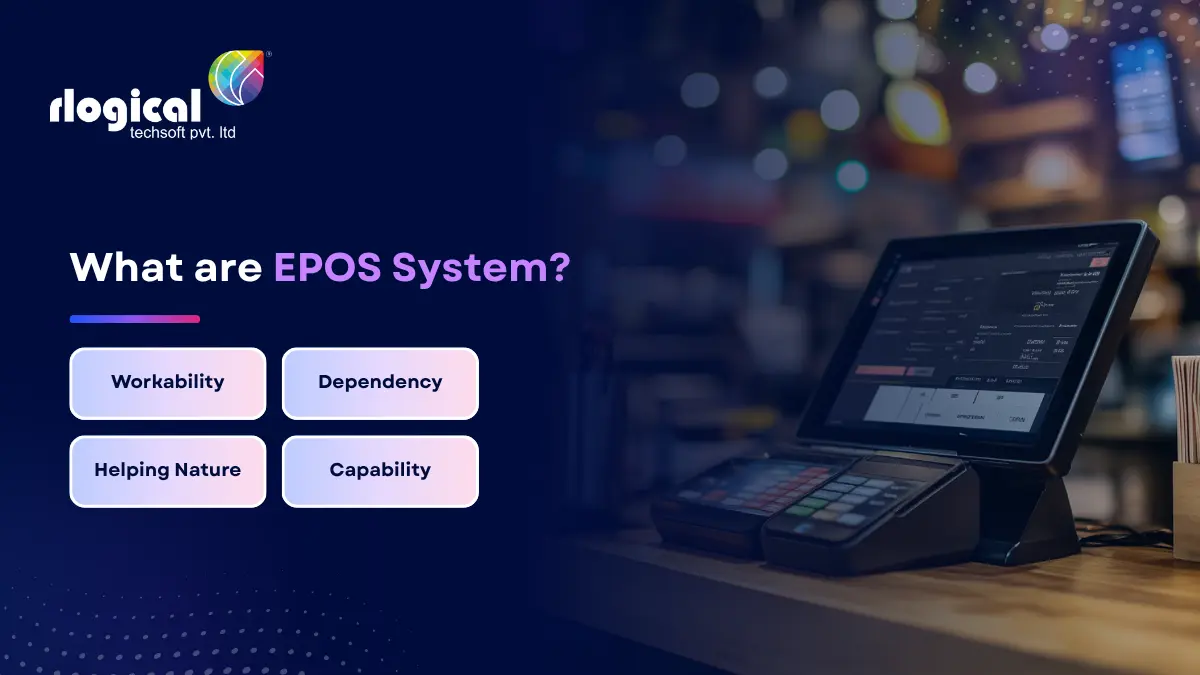
If you run a retail shop, restaurant, café, or any service-based business, the way you process sales shapes how customers feel about you. A slow till, a missed stock update, or a payment that fails at the counter can cost you a sale and a returning customer. This is exactly where an EPOS system steps in.
In this guide, you will learn what an EPOS system is, how it works, the hardware and software behind it, the different types available, and how to pick the right one for your business.
EPOS stands for Electronic Point of Sale. It is a computerised setup that combines hardware and software to record sales, accept payments, manage stock, and store customer data in one place.
Electronic point of sale technology began taking shape in the 1970s, when the first electronic cash registers from companies like IBM started replacing mechanical tills. The first complete EPOS software package, Nisyst, launched in 1992. Since then, the technology has moved from bulky terminals to sleek touchscreens, tablets, and smartphones connected to the cloud.
Today, an EPOS system is far more than a digital till. It acts as the operational backbone of a business, linking sales, inventory, reporting, and customer information into a single workflow.
An EPOS system follows a simple flow at the counter, but a lot happens behind the scenes:
What used to take minutes with a manual register and a paper logbook now takes seconds, with no risk of pricing errors or missed entries.
The terms POS and EPOS are often used together, but they are not identical.
A POS (Point of Sale) is a broad term for any setup that completes a transaction, including older mechanical tills.
An EPOS (Electronic Point of Sale) is a connected, software-driven version of a POS. It links payments, stock, customer data, and reporting through a unified system, often hosted on the cloud.
In short, every EPOS is a POS, but not every POS qualifies as an EPOS.
A complete EPOS setup is built from two layers: hardware and software.
The software runs the show. It calculates totals, updates stock, generates reports, manages staff permissions, and connects with accounting tools, eCommerce platforms, and CRM systems. Modern software is usually cloud-based, allowing owners to monitor performance from a phone or laptop anywhere.
Not every business needs the same setup. Here are the main types you will come across.
A fixed terminal built for high-volume retail stores, supermarkets, and busy restaurants. It handles heavy daily use and includes most features out of the box.
Runs on a smartphone paired with a card reader. Ideal for food trucks, delivery drivers, market traders, and pop-up shops.
A balance between portability and power. Common in cafés, restaurants taking orders at the table, and boutique retailers.
Stores all data online for remote access, automatic backups, and easy multi-location management. This is now the most popular option for growing businesses.
Touchscreen kiosks that let customers order or pay without staff. Used in fast-food chains, cinemas, and modern retail outlets.
A well-chosen EPOS system can change how your business runs day to day. Here is what it brings to the table.
Scanning a barcode, charging the card, and printing a receipt takes seconds. Shorter queues mean more customers served and fewer walkouts.
Stock levels update the moment a sale is made. Low-stock alerts and reorder points help avoid both empty shelves and overbuying.
Detailed reports show top-selling products, peak hours, slow stock, and revenue trends. Owners stop relying on guesswork and start making decisions based on real numbers.
Modern EPOS terminals accept cards, contactless, mobile wallets, QR codes, and split bills. With a growing share of customers carrying little cash, flexible payments are no longer optional.
Customer profiles, purchase history, and loyalty points are stored in one place. Staff can recognise repeat shoppers, offer relevant deals, and personalise the experience.
Automated pricing, tax calculations, and stock updates remove the small mistakes that creep in with manual entry.
Cloud-based EPOS lets owners manage several outlets from a single dashboard, tracking performance branch by branch.
PCI-DSS compliant systems encrypt payment data and offer user-level access controls, protecting both your business and your customers.
As your business grows, you can add new tills, products, staff accounts, and locations without replacing the entire system.
EPOS is not limited to one sector. It plays a daily role in:
Picking the wrong system is expensive in both money and time. Use these checkpoints before you commit.
A boutique selling 200 SKUs has very different needs from a 50-table restaurant. List what you actually need: table management, kitchen tickets, multi-store stock, online orders, or appointment booking.
Make sure the software supports the hardware you already own, or buy them as a bundle from the same provider to avoid integration headaches.
Cloud access is great for reporting from anywhere, but the system should keep working if the internet drops, then sync once it is back.
Any system handling card payments must meet Payment Card Industry Data Security Standards. This protects you legally and keeps customer data safe.
Look beyond the sticker price. Add up monthly software fees, transaction charges, hardware, training, and support. A cheap setup with high transaction fees can cost more than a higher-priced one over a year.
If staff cannot learn the system in a day or two, it is the wrong system. Always ask for a free trial or live demo.
Check support hours, response times, and channels. Is help available on weekends? Are there extra charges for callouts?
Your EPOS should connect with accounting tools like Xero or QuickBooks, eCommerce platforms like Shopify or WooCommerce, and any CRM or marketing software you use.
EPOS solves many problems but is not without trade-offs:
The right provider helps you plan around all of these.
Off-the-shelf EPOS software covers most use cases, but it can fall short for businesses with unique workflows, niche products, or multi-channel operations spanning physical stores, online sales, and franchises.
A custom EPOS system, built around your exact processes, gives you full ownership of the software, no recurring license fees per terminal, and the ability to scale features as you grow. It also opens the door to deeper integrations with your existing tools, custom reporting dashboards, and personalised loyalty programs.
If your business has outgrown standard software or you want to launch your own EPOS product, working with an experienced Point of Sale software development team is often the smarter long-term move. You can also explore the full breakdown of POS system development for cost, features, and timelines.
A modern EPOS system is the heartbeat of any retail or hospitality business. It speeds up checkouts, keeps stock accurate, builds customer loyalty, and gives owners a clear view of performance in real time.
Whether you choose an off-the-shelf solution or invest in a custom build, the goal is the same: spend less time on paperwork and more time growing your business.
If you are weighing your options between a ready-made EPOS and a tailored solution, start by mapping out your daily workflow, your peak transaction load, and the integrations you cannot do without. Match those needs against what each system actually delivers, and your decision will get a lot clearer.
EPOS stands for Electronic Point of Sale. It is a computerised system that processes sales, manages stock, and stores transaction data.
POS is a general term for any sales transaction setup, including basic cash registers. EPOS is a digital, software-driven version that connects payments, inventory, customer data, and reporting in one platform.
Yes. Cloud-based EPOS solutions are available on monthly plans, making them accessible even for single-till shops and small cafés.
Many modern EPOS systems have offline modes. They keep processing sales locally and sync data once the connection returns.
Most do. Popular tools like Xero, QuickBooks, and Sage sync directly with leading EPOS platforms to automate bookkeeping.
Reputable EPOS providers follow PCI-DSS standards, encrypt transactions, and offer user-level access controls to protect customer data.
Jatin Panchal is an innovation-driven entrepreneur, and the Founder & Managing Director of Rlogical Techsoft Pvt. Ltd. He believes modern leadership is driven by innovation, adaptability, and the transformative power of Artificial Intelligence. He focuses on helping businesses accelerate digital growth through AI-powered solutions, intelligent automation, Cloud, blockchain, IoT, and scalable enterprise technologies. With a strong strategic vision and future-focused mindset, he is passionate about building technology ecosystems that improve efficiency, drive innovation, and create long-term business value for global clients.
Global insights on technology trends, best practices, and digital transformation strategies.
A proven track record of high-impact deliveries across industries and technologies
Share with us. We'll assess its feasibility, suggest the right tech stack, and share a clear cost & timeline.
Years of Experience
Projects
Countries
Engineers
Verified Client Reviews
Industry Served